
Have you ever sent a message on your iPhone and noticed some texts appear green instead of the usual blue? 😕 If so, you’re not alone this small color difference sparks curiosity and even confusion among iPhone users worldwide.
Rizz Line Generator
People often wonder, “Is this a problem with my phone?” or “Does this mean something special?” Whether texting friends, chatting on social media, or sending professional messages, the green text color carries a specific meaning that every iPhone user should know.
Understanding why texts appear green is not just a tech curiosity it affects communication clarity, group messaging, and even how messages are received by others.
Meaning & Definition
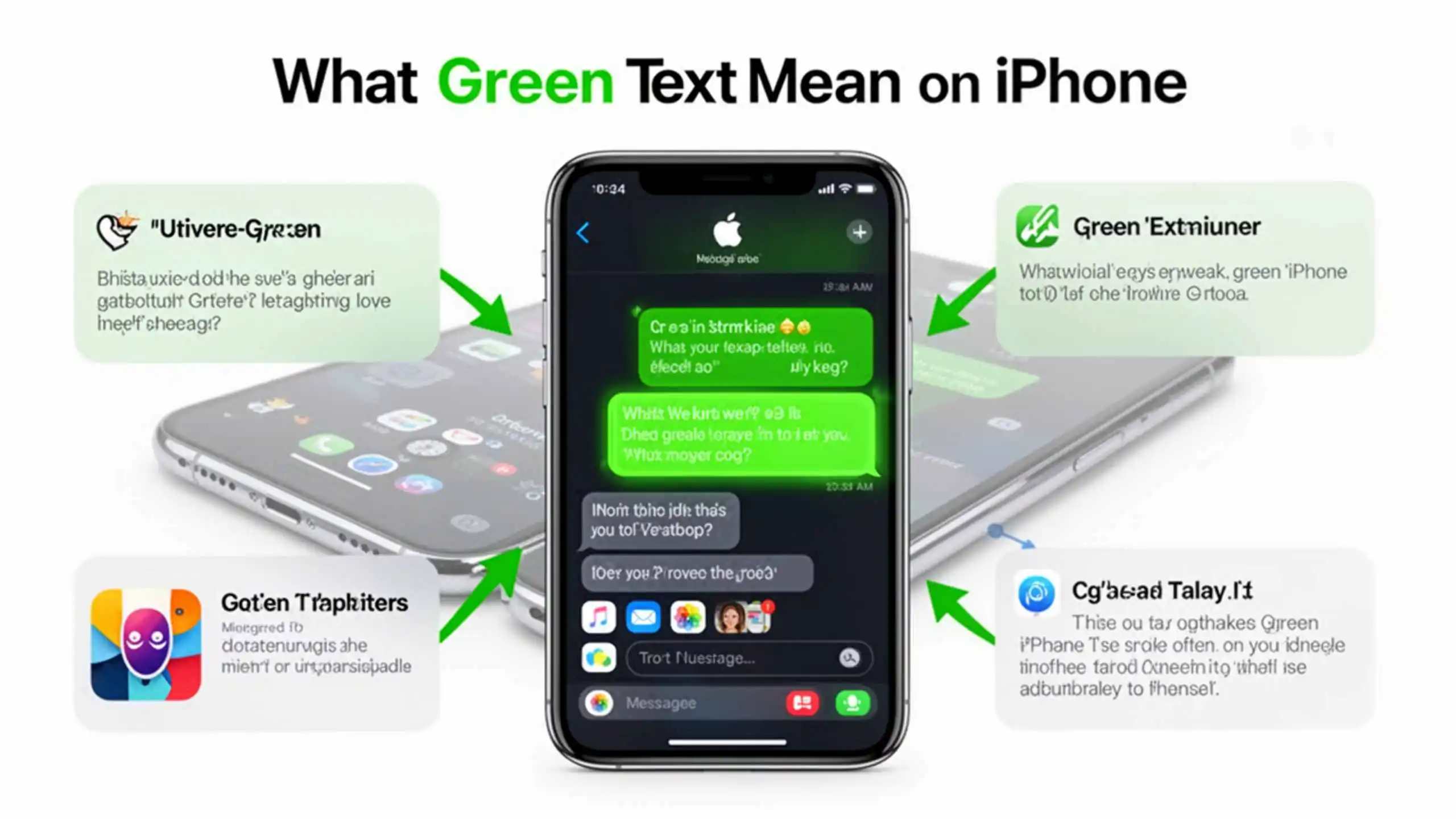
On an iPhone, green text primarily indicates that the message was sent using SMS or MMS instead of iMessage. Here’s the breakdown:
- Blue Text: Sent via iMessage (Apple’s proprietary messaging service) between Apple devices.
- Green Text: Sent as a regular SMS/MMS, usually when the recipient is using a non-Apple device or iMessage is unavailable.
Alternative meanings include:
- Network limitations: When iMessage servers are down or Wi-Fi/cellular connection is weak.
- Group messaging quirks: Some group chats with non-iPhone users default to SMS (green bubbles).
Examples:
- Friend: “Hey! Are you coming to the party tonight?”
You reply (green text): “Yes! I’ll be there by 8 😊” - Colleague: “Can you review the doc?”
You reply (green text): “Sure, I’ll send my notes this afternoon.”
Background & Origin
Apple introduced iMessage in 2011 with iOS 5, creating a seamless messaging ecosystem for iPhone, iPad, and Mac users. The color coding blue for iMessage, green for SMS/MMS was designed to visually indicate which messages used Apple’s internet-based service versus standard cellular messaging.
Over time, this simple color cue became iconic, symbolizing the divide between Apple users and others. Today, it’s a small but important part of online texting culture, especially in social and professional settings.
Usage in Different Contexts
1. Texting or Chat Messages:
Green texts often indicate cross-platform communication. If you’re texting a friend with an Android device, your messages will appear green.
Example:
- You: “Check out this meme 😂”
- Friend (Android): “Lol, that’s hilarious!”
2. Social Media Platforms:
While social media apps like WhatsApp, Instagram, and Snapchat have their own messaging colors, iPhone users may still see green SMS texts if notifications or links are sent outside the app.
3. Professional or Technical Settings:
In workplace texting or client communications, green texts might indicate that the recipient is not on iMessage, which could affect read receipts or message timing.
Platform-Specific Meanings
| Platform | Common Meaning | Example Use |
| Standard chat bubble color | “Sent a photo to Sarah” | |
| Direct Message color varies | N/A (iMessage not linked) | |
| TikTok | N/A | Messaging usually in-app only |
| Snapchat | N/A | Green texts usually via SMS notifications |
| Twitter/X | N/A | SMS used for verification messages |
Other Fields Using the Abbreviation
While green text primarily refers to iPhone messaging, green-colored texts are sometimes used in other contexts:
- Tech: Error messages or network alerts.
- Medical/Scientific: Highlighted notes in documentation.
- Professional: Workflow notifications in software dashboards.
Common Misconceptions & Mistakes
Many people mistakenly assume green text means:
- The sender blocked them ✅ (False)
- The message wasn’t delivered ❌ (Not necessarily)
- There’s a phone issue ⚠️ (Not always)
Always check your network and recipient device type before jumping to conclusions.
Similar Terms & Alternatives
| Term | Meaning | Example Use |
| Blue text | iMessage on Apple devices | “Can you FaceTime later?” |
| SMS | Standard text message | Green bubble messages |
| MMS | Multimedia message | Photos/videos sent via SMS |
| RCS | Rich Communication Services | Android equivalent to iMessage |
How to Respond Chat Examples
1. Friend:
Friend: “Can you pick me up?”
You (green text): “Sure, I’m leaving now 🚗”
2. Crush:
Crush: “Did you watch the new episode?”
You (green text): “Yes! It was so good 😍”
3. Colleague:
Colleague: “Please send the report.”
You (green text): “Just sent it! Let me know your thoughts.”
Differences from Similar Words
- Secret: Private information you don’t share.
- Private: Restricted to specific people.
- Confidential: Sensitive, official info.
- Green text: Simply indicates SMS/MMS delivery on iPhone, not secrecy or sensitivity.
Relevance in Online Conversations & Dating Apps
On dating apps, messaging via green text may indicate the other person is not on an iPhone, affecting read receipts or response speed. It helps you understand communication dynamics:
- Example: Sending a long iMessage to an Android user will appear green, signaling a standard SMS.
Popularity & Trends Over Time
Google Trends shows spikes in searches for “green text on iPhone” whenever new iOS updates are released or messaging issues arise. Meme culture has even turned green text into a humorous symbol of Android vs. Apple debates.
FAQs
1. Why are some iPhone texts green?
Green texts indicate the message was sent as an SMS/MMS rather than iMessage.
2. Does green text mean my message failed?
Not necessarily. It just means the message used standard cellular service.
3. Can I change green texts to blue?
Yes, if both you and the recipient use iMessage and have it enabled with a working internet connection.
4. Do green texts cost money?
SMS/MMS messages may incur carrier charges depending on your plan.
5. Can green text affect group chats?
Yes, if some members use non-Apple devices, the chat may default to SMS/MMS.
Conclusion
In summary, green text on iPhone is a simple yet important indicator that a message was sent via SMS/MMS instead of iMessage. It shows the recipient’s device type, potential network issues, and even affects group chat functionality.
Understanding this color code helps you navigate messaging more confidently, whether texting friends, colleagues, or someone special. Next time you see a green bubble, you’ll know exactly what it means no confusion needed! 🌟